
How to write an ATS-friendly CV that still reads well
A practical ATS CV guide with keyword mapping, formatting checks, recruiter-friendly examples, and a before/after rewrite.
An ATS-friendly CV is not a file stuffed with keywords. It is a clean, readable document that helps two audiences at the same time: the software that parses your CV and the recruiter who decides whether the evidence is credible.
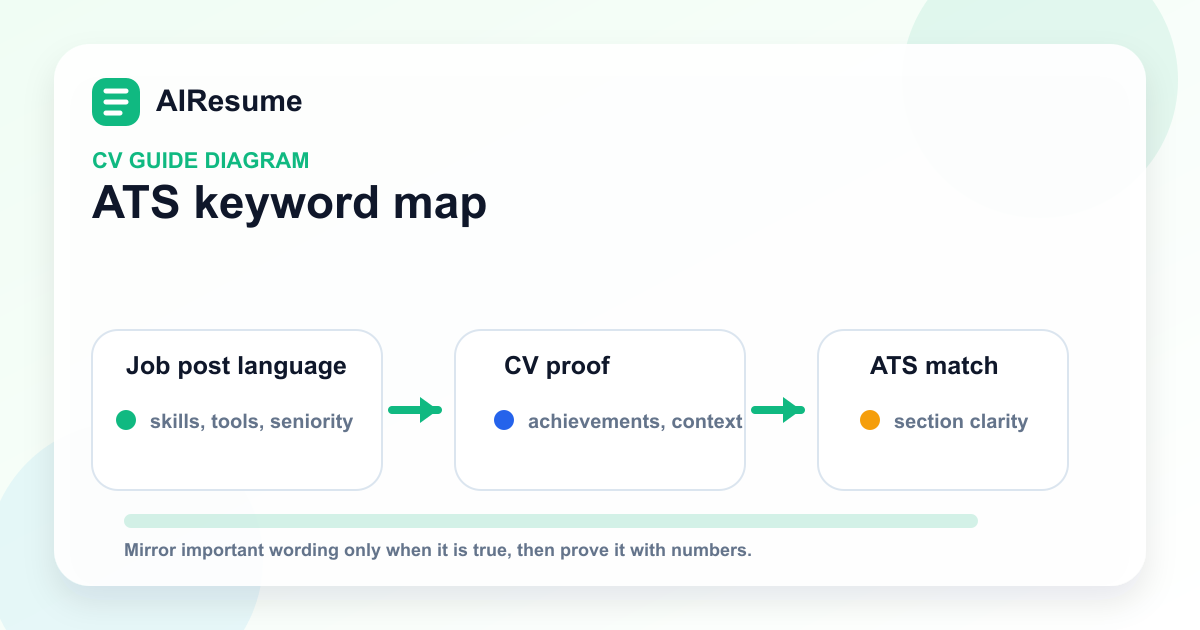
The 3-part ATS rule
| Layer | What to do | What to avoid |
|---|---|---|
| Structure | Use standard section labels such as Summary, Work Experience, Education, Skills and Certifications. | Creative labels that hide important evidence, for example "My journey" instead of Work Experience. |
| Keywords | Mirror the role's important wording when it is true: tools, seniority, certifications, industry terms and job titles. | Copying every keyword without proof or using skills you cannot discuss in an interview. |
| Proof | Connect keywords to achievements, scope and outcomes. | A long skills list with no context in the experience section. |
Step 1: Build a keyword map before editing
Read 5-10 job descriptions for the same target role. Put repeated words into four groups:
- Role words: job title, seniority, department, business area.
- Hard skills: tools, platforms, technical skills, methods and certifications.
- Soft skills: stakeholder management, leadership, customer communication, problem solving.
- Evidence words: revenue, retention, cycle time, quality, compliance, hiring, training, cost, risk.
Then add only the words you can prove. If a job post says "SQL, dashboarding and stakeholder reporting", your CV should not simply list those terms. It should show where you used SQL, what dashboard or report you produced, who used it and what changed.
Step 2: Use a parser-safe format
| CV element | Safer choice | Why it matters |
|---|---|---|
| File type | PDF unless the employer specifically asks for DOCX | PDF preserves layout; some older systems still request Word. Follow the portal instruction first. |
| Columns | One column for highly automated portals; simple two-column layouts only when tested | Some parsers read columns in the wrong order. |
| Icons | Use text labels for phone, email, LinkedIn and portfolio | Icons can be skipped by parsing software. |
| Tables | Avoid using tables for core experience text | Tables may be parsed out of sequence. |
| Section headings | Use familiar headings | ATS and recruiters both scan for standard labels. |
Step 3: Rewrite bullets so keywords have proof
Weak ATS writing lists tasks. Strong ATS writing shows a job-related keyword and the result together.
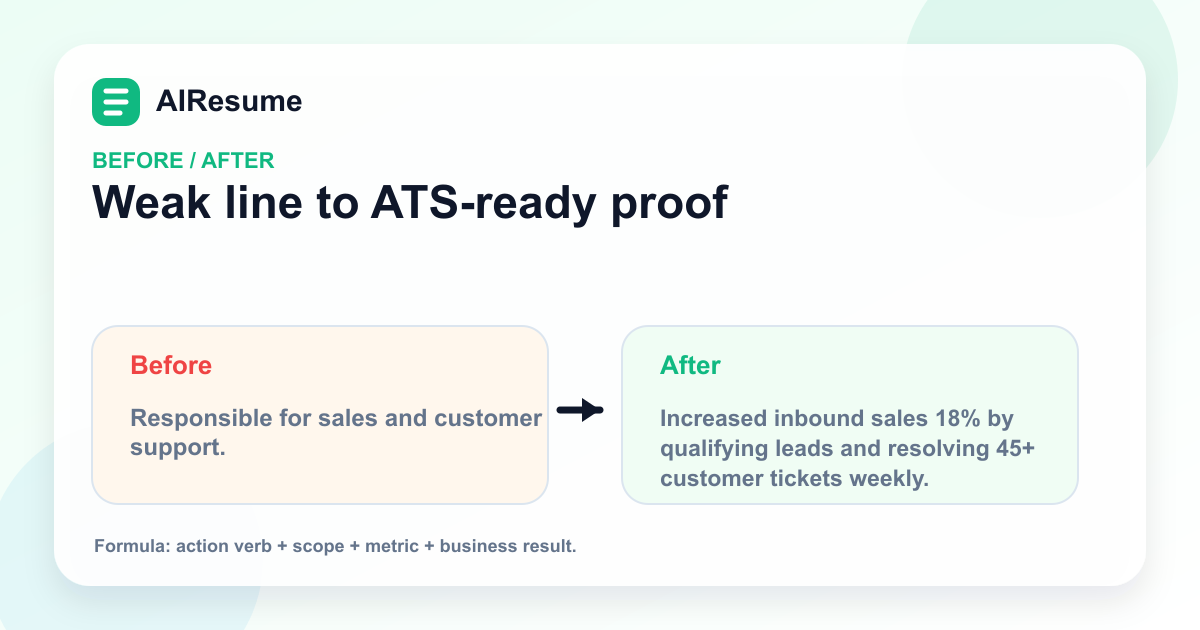
| Weak line | Stronger line |
|---|---|
| Responsible for sales and customer support. | Increased inbound sales 18% by qualifying leads and resolving 45+ customer tickets weekly. |
| Worked with reports. | Built a weekly sales dashboard in Google Sheets, reducing manager reporting time from 4 hours to 45 minutes. |
| Helped with hiring. | Coordinated screening for 38 candidates and improved interview scheduling turnaround from 5 days to 2 days. |
Step 4: Place keywords where they are easiest to verify
The best keyword locations are:
- Headline or target title.
- Two-line professional summary.
- Skills section grouped by category.
- Work experience bullets that prove the skill.
- Certification and education names.
Do not hide important skills only in a decorative sidebar. If a skill is critical for the role, mention it in the experience section too.
ATS CV checklist before applying
- The target job title appears naturally in the headline or summary.
- The top 8-12 role keywords appear only where they are true.
- Every important skill has at least one proof point in experience, projects or education.
- Contact information is text, not only an icon.
- Dates, job titles and company names are easy to scan.
- The file name is professional: `first-name-last-name-target-role.pdf`.
- The exported PDF opens cleanly on desktop and mobile.
How to use AIResume
Create one master CV, duplicate it for each role cluster, then update the summary, skills and 3-5 strongest bullets using the keyword map. Export a PDF for most applications and keep the role-specific version name in your job tracker.
Useful references
FAQ
Should I use an ATS template?
Use a clean template with readable headings, stable spacing and text-based contact details. Do not choose a template only because it says "ATS" in the name.
Is a two-column CV always bad?
No. Two-column CVs can work, especially for human review, but test the PDF and keep the main experience narrative in a simple reading order.
How many keywords should I include?
There is no fixed number. Prioritize repeated, high-value terms from the target role and connect them to evidence.